
Environment:
CBI2H51IFP version 2.4.6-X2_release
SmartManager version 2.3.3.5
Issue:
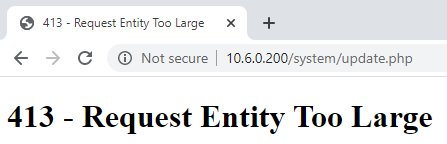
When updating via the Web UI of the camera the error "413 - Request Entity Too Large" appears.
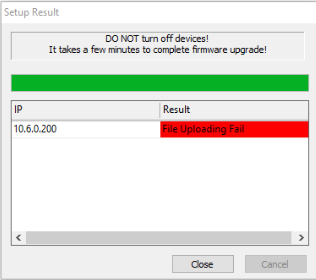
When using the SmartManager it will error with "File Uploading Fail".
Resolution:
- Launch SmartManager.
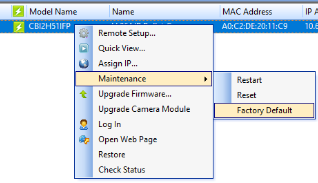
- Right-click on the camera and select Maintenance then Factory Default.
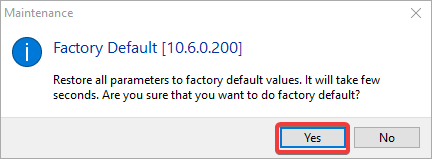
- Click Yes when prompted.
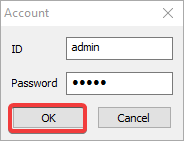
- Provide camera credentials and click OK. The default username and password are admin.
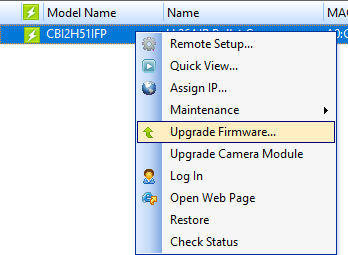
- Wait for the camera to refresh in SmartManager then right-click it and select Upgrade Firmware.
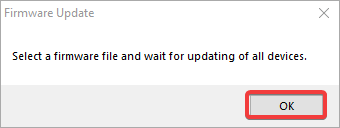
- Click OK.
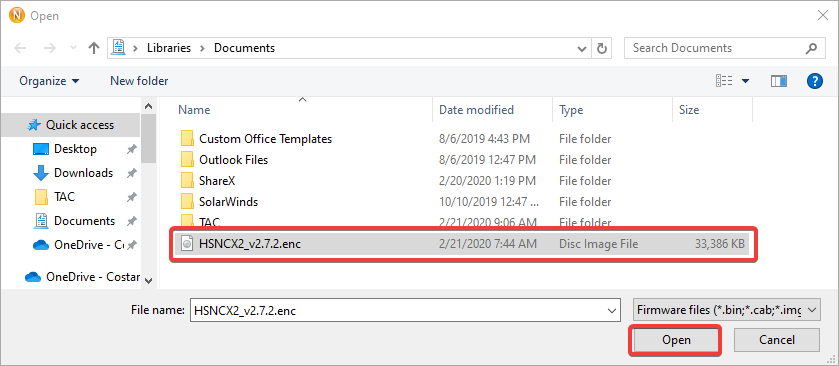
- Browse to the extracted firmware update and click Open.
- The update will begin. Do not power off the camera.
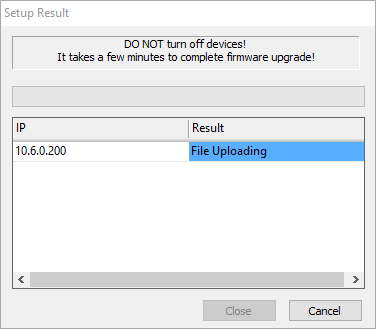
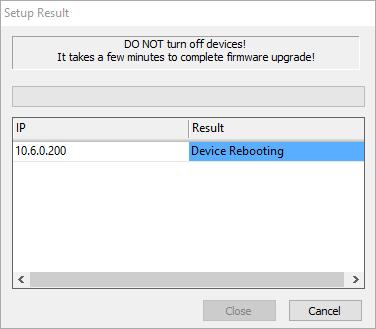
- The camera will reboot when the update has completed.
- The new version should now be displayed.

Comments
0 comments
Please sign in to leave a comment.