
Issue:
We need some cameras displayed on a PVM and would like to use the RTSP stream from the recorder.
Solution:
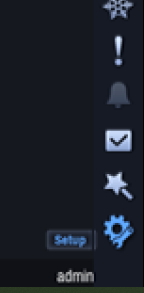
- Move the mouse to the bottom right corner and select Setup.
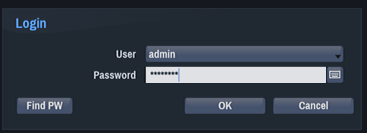
- Enter the credentials of the recorder and click OK.
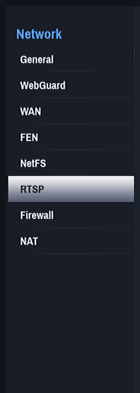
- Select Network.

- Click on RTSP on the left side.
- Click the box next to Use RTSP to turn the RTSP on and click Apply.
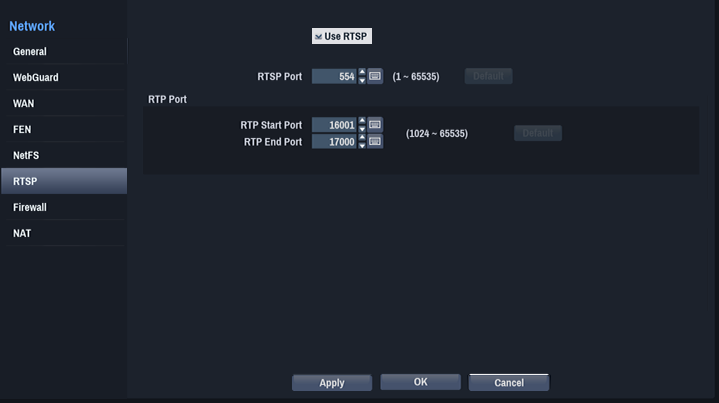
- Click OK at the bottom.
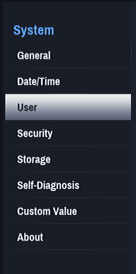
- Click on System.

- Click User on the left.
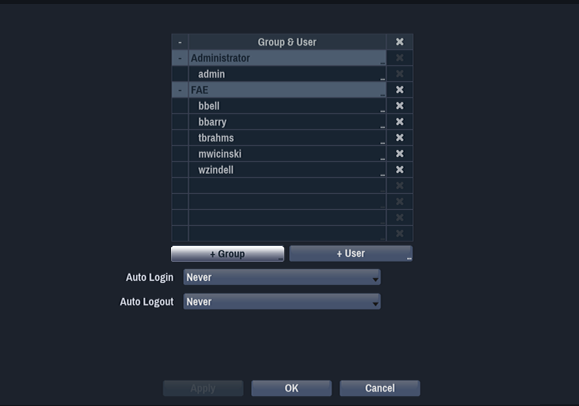
- Click + Group to create a new group.
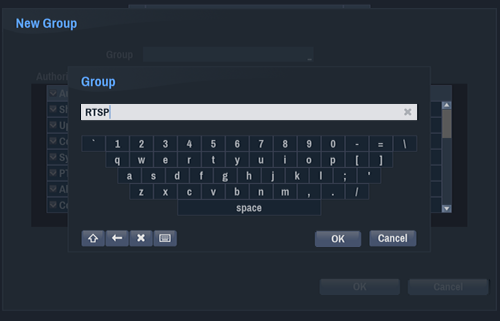
- Name group RTSP and click OK.
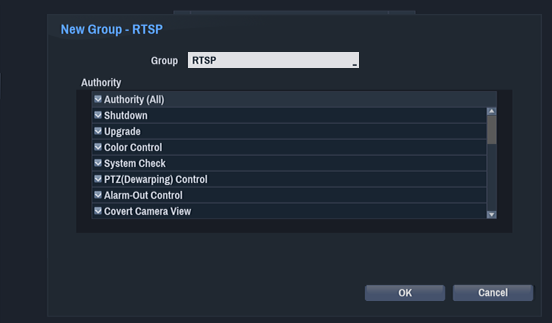
- Click OK again.
- Click + User.
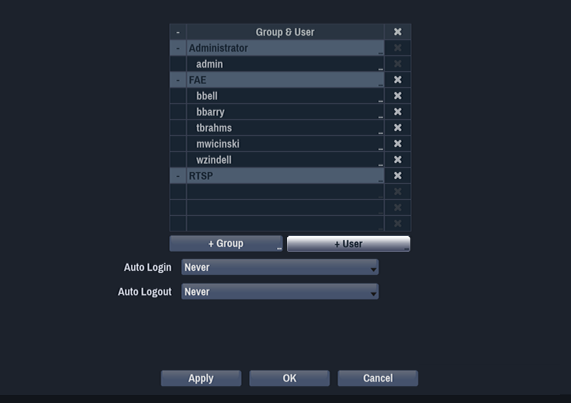
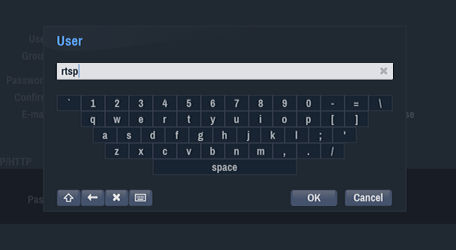
- Name the user rtsp and click OK.
- Fill in the following information:
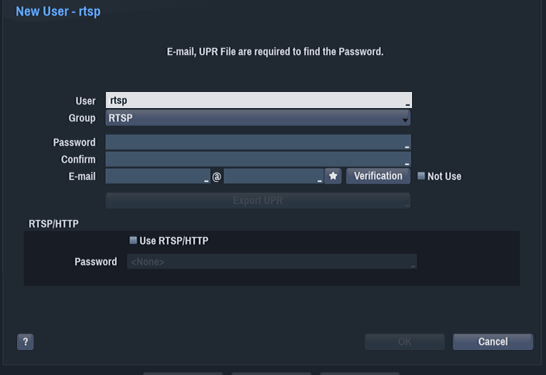
- Password= Costar#1
- Confirm= Costar#1
- Email= rtsp@email.com
- Click the box next to Use RTSP/HTTP.
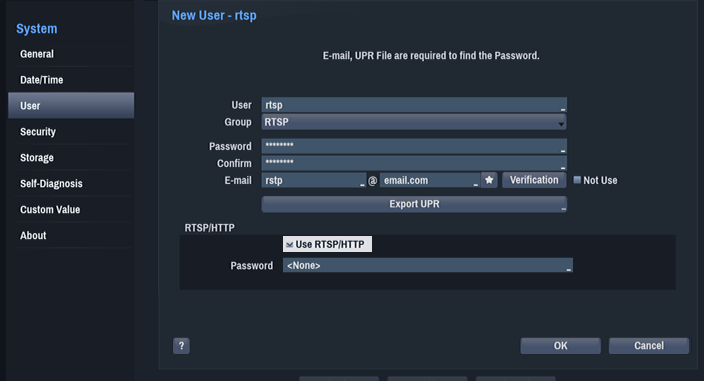
- Click the newly populated Password box. A new window will open. Enter the following:
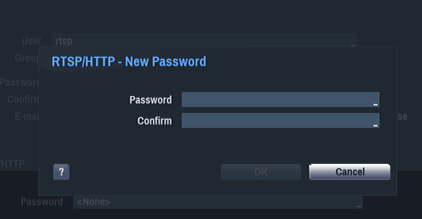
- Password= Costar#1
- Confirm= Costar#1
- Click OK.
- Click OK again.
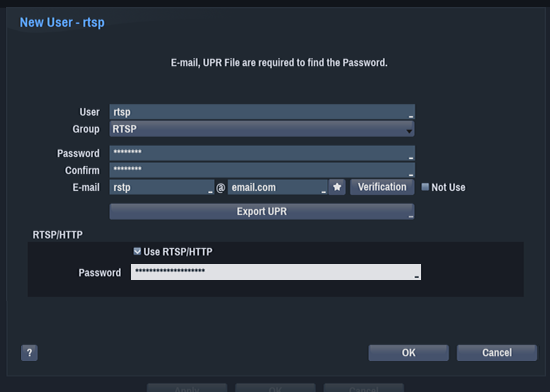
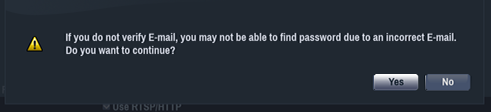
- Click Yes on the warning box.
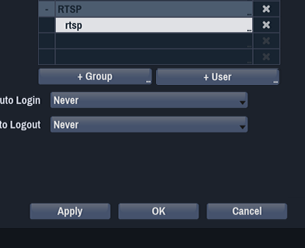
- Click Apply and then OK.
-
Access the RTSP stream using the following RTSP format.
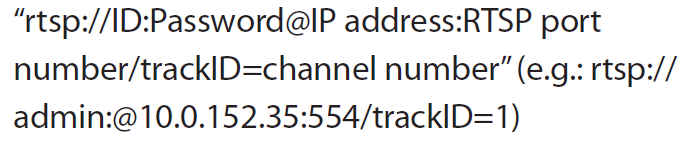
Note: You can also specify the individual stream of a channel by adding &streamID=2 (2 = the secondary stream). e.g... rtsp://admin:password@10.0.152.35:554/trackID=1&streamID=2
Comments
0 comments
Please sign in to leave a comment.